

Argentina punishes the assumption that a cheap local shortcut exists. Its neighbours all have one, and in Argentina every version of that shortcut turns out to carry a clause that quietly excludes the visitor. The Mercosur “roam like at home” scheme that the member states implemented in 2024 does not extend to prepaid subscribers. The country’s largest budget MVNO cannot register a foreign passport at all. And the SIM you can pick up at a kiosk for pocket change will not carry a single byte until you have uploaded a photograph of yourself holding your passport and declared the date you intend to leave the country. That, rather than any argument about speed, is why a travel eSIM is the sane default here.
What follows is the version of this we would give a friend: which shortcuts are closed, what your handset has to support before any plan matters, what the plans actually cost, and the specific stretch of Patagonian road where none of it will help you.
Three local shortcuts that are closed to you
Each of these looks like a way to spend less. None of them works for a short-term foreign visitor.
- Mercosur roaming. Argentina, Brazil, Paraguay and Uruguay implemented a roam-like-at-home scheme in 2024. It applies to postpaid subscribers. Prepaid lines — which is what every tourist SIM is — are excluded, so an Argentine chip stops being useful the moment you cross into Chile or Brazil.
- Tuenti Móvil. Movistar’s MVNO carries the cheapest local data in the country. Registration requires an Argentine DNI. Without one you can buy the SIM at a newsstand and never activate it.
- The kiosk chip. Chips are handed out free in operator stores and sold in kiosks for a nominal sum. The purchase was never the obstacle; registration is. Prepaid registration has been mandatory since 2017, enforced through a central handset register run by the regulator, Enacom.

What your handset has to support, before any plan matters
Argentina is one of the few destinations where the radio bands in your phone change the answer. Legacy 2G and 3G run on 850 and 1900 MHz — the American band plan — so European- and Asian-market handsets often cannot see the fallback layer at all. LTE runs mainly on band 4 (AWS, 1700/2100 MHz) and band 28 (700 MHz APT). Band 28 is the one carrying rural and Patagonian coverage.
The practical consequence: a phone without band 28 will behave impeccably in Palermo and turn into a paperweight on Ruta 40. Check your model’s band list before you choose between providers, because no plan can sell you a frequency your radio does not have.
Airalo’s Argentina buckets, and the network underneath them
For most trips this is the boring correct answer. Airalo’s Argentina eSIM sells fixed data buckets that install before you fly and need no registration, no store visit and no passport upload. At the time of writing the entry plan is US$6.00 for 1 GB over 7 days, with the range extending to 20 GB for longer stays. In Argentina the plans ride the Movistar network, which historically has the widest LTE footprint by population and the best coverage inside the Buenos Aires Subte.
What you are buying is predictability rather than the lowest possible price per gigabyte. A local prepaid pack will usually beat it on paper. It will not beat it once you count the queue, the form and the risk of arriving on a Sunday.
When per-megabyte billing beats a bucket
DrimSim bills by the megabyte at published, country-specific rates rather than selling you a block of data with an expiry date. That suits two situations specifically: a trip where you genuinely cannot predict usage, and a multi-country South American loop where a per-country bucket would strand unused data at every border. Check the current rate for Argentina in the app before you commit — per-megabyte pricing rewards light users and punishes anyone who streams.
Buenos Aires is not the problem. RN 23 is.
The stretch that catches people out is the drive between El Calafate and El Chaltén — roughly 210 km on RP 11, RN 40 and RN 23. There is no usable cell signal for most of it, on any network. El Chaltén itself has fair coverage in the village and very little immediately outside it. Reports from the region put Personal and Movistar ahead of Claro in the Patagonian hubs, but that is a comparison between degrees of thin.
Nothing you buy changes this. Download offline maps and your accommodation details before you leave El Calafate, and tell whoever worries about you that you will be unreachable for the afternoon. If you are pairing the eSIM decision with a driving itinerary, our notes on renting a car for Patagonia cover the border and fuel logistics that matter more than connectivity does out there.
Once your data is sorted, the bookings worth making before you land are the timed-entry ones — Teatro Colón tours and the bigger museum slots go early in high season.
If you still want a local SIM, this is the actual process
It is worth doing for stays of a month or more. For a fortnight it is a poor trade. The mechanics, by operator:
- Claro. Insert the chip and you will receive an SMS directing non-DNI holders to Claro’s online check-in form. It asks for the number printed on the packaging, your passport number, an email address, your departure date from Argentina, your address while in the country, a photo of the passport page, and a selfie of you holding that page. The final step is a CAPTCHA that pairs a Spanish word with eight icons.
- Movistar. Activation for foreigners runs through a direct message containing the hashtag #NOMI, followed by photos of your passport, a selfie with the document, a photo of the SIM, your address and your length of stay.
- Personal. The tourist pack is sold already activated at Ezeiza Terminal A and at Aeroparque, which removes the registration problem entirely — at airport pricing.
What we would not pay for
- Airport SIM counters, if you have any other option. You are buying pre-activation, and the allowances are small relative to the price. Worth it only if you land needing connectivity in the next ten minutes.
- A South America regional plan for an Argentina-only trip. Regional footprints almost always price out higher per gigabyte than the single-country plan. Compare the two before you assume the bigger map is better value.
- Anything sold as unlimited without reading the daily cap. In this category “unlimited” usually means a few gigabytes at speed each day and a hard throttle afterwards.
How much data a two-week route actually needs
We are giving you a range rather than a number, because the honest answer depends on how much of your evening runs on hotel Wi-Fi. Maps, messaging, ride-hailing and occasional photo uploads land most travellers somewhere in the region of 200–400 MB a day. On that basis 3–5 GB covers a fortnight comfortably for someone who uploads at the hostel and streams nothing. Double it if you are working, video-calling home daily, or tethering a laptop.
If your route runs beyond the capital, getting from the airport to your first night’s bed is the one leg worth fixing in advance — Ezeiza is a long way out and arrivals are usually early morning.
When the right answer earns us nothing
If your trip is three days in Buenos Aires and your home carrier offers a fixed daily roaming pass, do the arithmetic before you buy anything — for a short city stay the pass frequently wins, and we get paid nothing when it does. If you are staying several months, the correct move is a local line on a residence footing, which is also outside anything we can sell you. And if you are travelling with someone who already has a working Argentine plan, tethering is free.
For the rest — a two- or three-week trip mixing Buenos Aires with Patagonia or the north — buy a modest bucket before you fly, and top up if you run short.
The thing a data-only eSIM cannot do for you
Travel eSIMs for Argentina are data-only. You keep your home number for iMessage and WhatsApp, and that covers most of what a traveller needs. What it does not cover is any Argentine service that verifies you by SMS to a local number — and the local payment and delivery apps that make life easier here generally do. If you were planning to sign up for one on arrival, that plan needs a local line, not an eSIM.
Two smaller setup notes. Install and activate the eSIM while you still have Wi-Fi, ideally before you fly, because the QR code and the activation both need a connection. And once you land, turn data roaming on for the travel eSIM profile while leaving your home line’s roaming off — a travel eSIM technically roams, and phones that block roaming globally will block it too. That single toggle accounts for most of the “my eSIM does not work” messages we get.
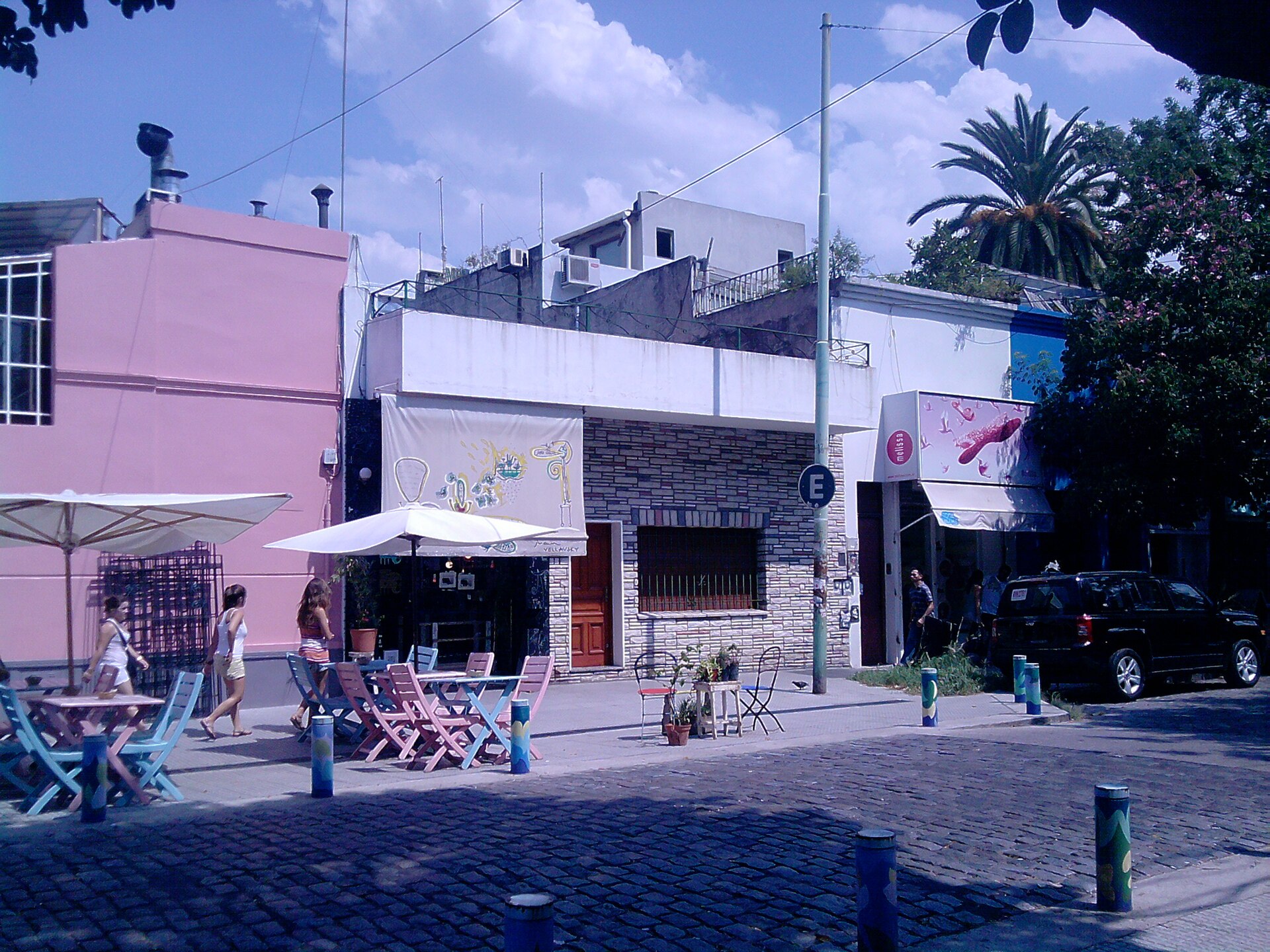
Where you stay changes how much mobile data you actually burn: a walkable barrio means less time navigating and fewer rideshare bookings.
Related reading
- Choosing a Buenos Aires neighbourhood
- Connectivity across the Andes in Chile
- Brazil’s domestic flight network
Prices checked against operator listings in September 2026. Argentine peso pricing moves quickly; treat local-carrier figures as indicative and the US dollar eSIM prices as current.


Add comment